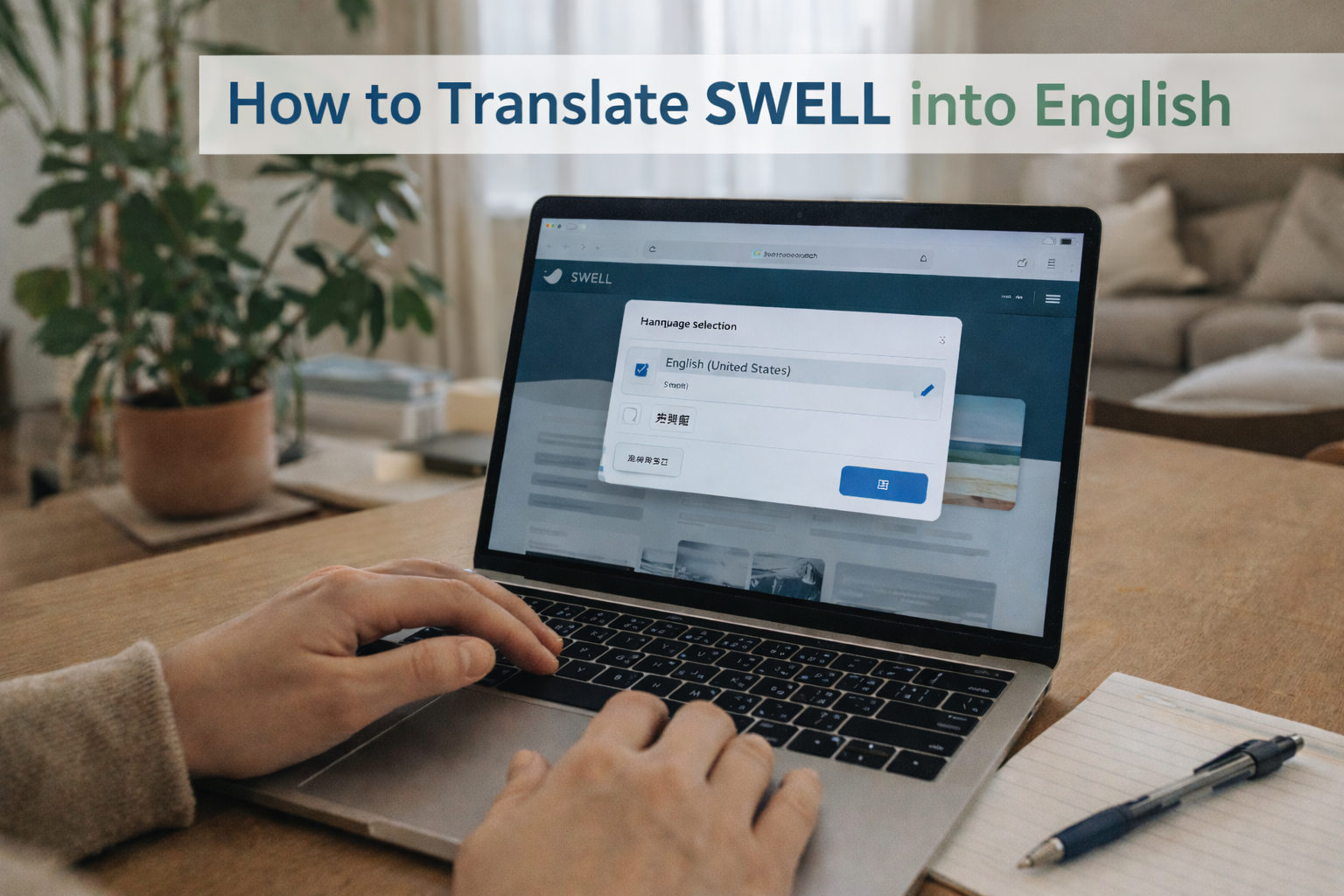
How to Translate SWELL into English
A helpful guide for users who want to use SWELL in English.
SWELL is a beautifully designed, high-performance WordPress theme from Japan.
While the theme offers an excellent user experience, one challenge for international users is that SWELL’s interface is entirely in Japanese.
The good news?
You can use SWELL in English — and it’s easier than you might think.
This guide explains three practical methods to translate SWELL into English so you can enjoy the theme comfortably, even without reading Japanese.
Method 1: Translate the SWELL Dashboard Using Your Browser (Easiest)
This is the simplest and fastest method for beginners.
Most modern browsers, such as Google Chrome, include built-in translation tools.
How to translate using Chrome:
- Open your WordPress dashboard.
- Right-click anywhere on the page.
- Click “Translate to English.”
- The entire SWELL interface will automatically appear in English.
✔ Advantages
- No plugins required
- Fast and easy
- Works for all SWELL settings pages
✔ Ideal for:
- Beginners
- Users who only need temporary translation
- First-time SWELL setup
Method 2: Translate SWELL Using a WordPress Translation Plugin
If you want a more stable English environment, use a plugin such as:
⭐ Recommended Plugin: TranslatePress
- TranslatePress allows you to translate:
-
- Theme settings
- Buttons
- SWELL block labels
- Front-end text
- Custom strings
- How to set it up:
-
- Go to Plugins → Add New
- Search for TranslatePress
- Install and activate
- Go to Settings → TranslatePress
- Set English as your translation language
- Use the visual editor to translate SWELL elements
- ✔ Advantages
-
- Permanent English interface
- Easy visual translation mode
- Works without coding
- Can translate front-end + back-end text
- ✔ Ideal for:
-
- Users who want a fully translated site
- Long-term SWELL users
Method 3: Use SWELL’s POT File (Advanced Translation Method)
SWELL includes a POT (Portable Object Template) file, which allows you to translate the theme using tools like:
- Poedit
- Loco Translate (WordPress plugin)
- Steps (using Loco Translate):
-
- Install Loco Translate
- Go to Loco Translate → Themes → SWELL
- Click “New Language
- Select English (en_US)
- Translate the strings you want
- Save the translation file
This method gives you the most accurate and stable translation, but requires more work.
- ✔ Advantages
-
- Deep-level translation
- You control every string
- Works even without browser tools
- ✔ Ideal for:
-
- Developers
- Advanced users
- Those who want perfect English consistency
🌟 Which Method Should You Choose?
| Level | Best Method | Why |
| Beginner | Browser Translation | Fast, simple, no plugins |
| Intermediate | TranslatePress | Stable English interface |
| Advanced | POT File / Loco Translate | Full control and accuracy |
- Beginner
-
Browser Translation
Fast, simple, no plugins
- Intermediate
-
TranslatePress
Stable English interface
- Advanced
-
POT File / Loco Translate
Full control and accuracy
Most international users prefer TranslatePress, as it gives a long-term English environment with minimal effort.
💡 Bonus Tips for English Users
- ✔ 1. Set WordPress Site Language to English
-
Go to:
Settings → General → Site Language → English
(This translates WordPress core, not SWELL.) - ✔ 2. Use guides like this site
-
Because SWELL was created for Japanese users, English documentation is limited.
This site provides English-friendly tutorials to make SWELL easier for global users. - ✔ 3. Don’t worry — many global users already use SWELL
-
The Japanese interface may seem intimidating, but thousands of users successfully use SWELL with translations.
🧩 Frequently Asked Questions
- Will translating SWELL break the theme?
-
No. SWELL is built with proper localization support.
- Can I use SWELL even if I don’t know Japanese?
-
Yes. With browser or plugin translation, SWELL becomes easy to use.
- Does SWELL plan to release an English version?
-
Not currently, but translations work well in practice.
🎯 Conclusion
SWELL may be a Japanese theme, but with simple translation tools, you can easily use it in English.
Whether you’re a blogger, designer, or WordPress beginner, SWELL’s elegant design and performance make it worth the small translation effort.
If you need help setting up SWELL in English, feel free to contact me anytime.
Click or tap the image to get SWELL from the official website.







コメント