
How to Purchase the SWELL WordPress Theme
(Step-by-Step)
目次
Before You Buy (Important Notes)
- SWELL is for self-hosted WordPress.org only
- One-time payment (no subscription)
- 100% GPL license (usable on multiple sites)
Step 1 – Go to the Official Purchase Page
「This is normal. You can complete the purchase even if the page is in Japanese.」
The official purchase page is in Japanese.
However, the layout and button positions are exactly the same.
You can safely complete the purchase by following the English guide above.
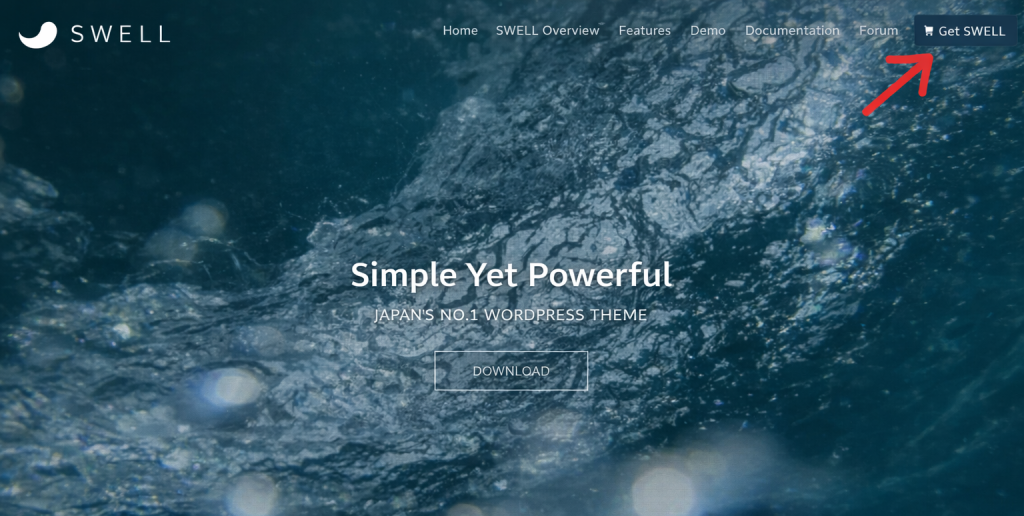
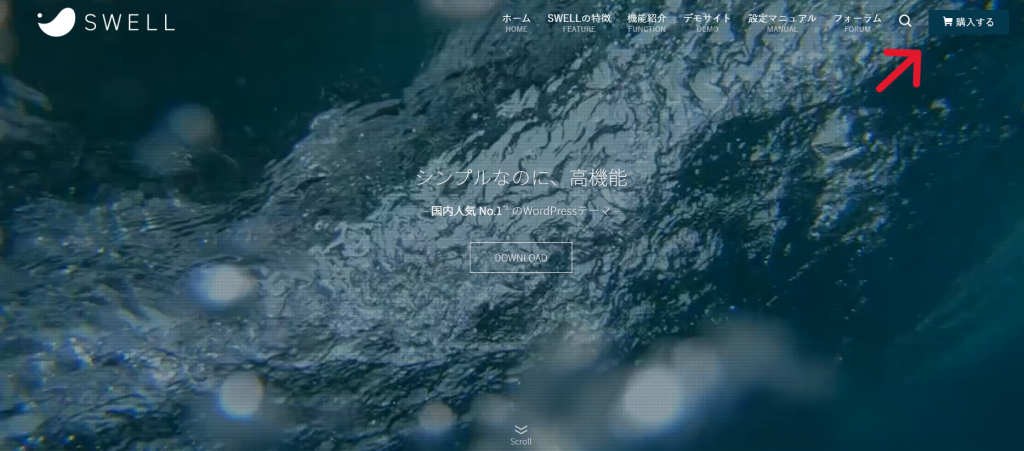

Click the Purchase Button
The official purchase page is in Japanese,
but the layout and button positions are exactly the same.
Follow the English guide above to complete your purchase.
The layout and button positions are identical on both screens.
Step 2 – Check Product Details
- Price: ¥17,600 (JPY)
- One-time payment
- Requirements (PHP / WordPress version)
- Agree to terms
- Click “Purchase SWELL”
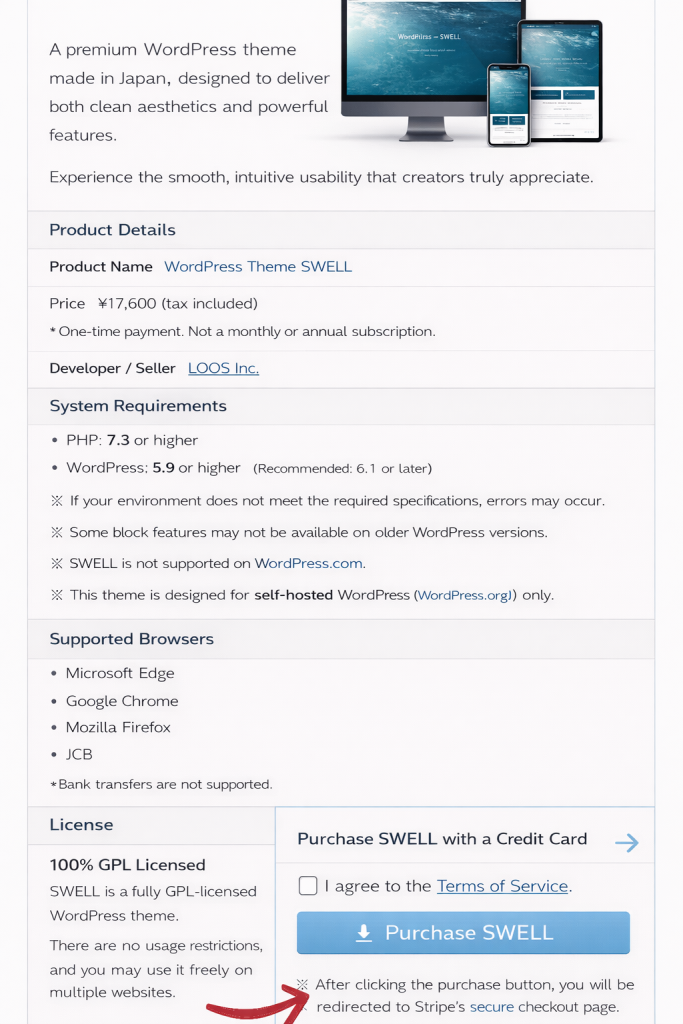
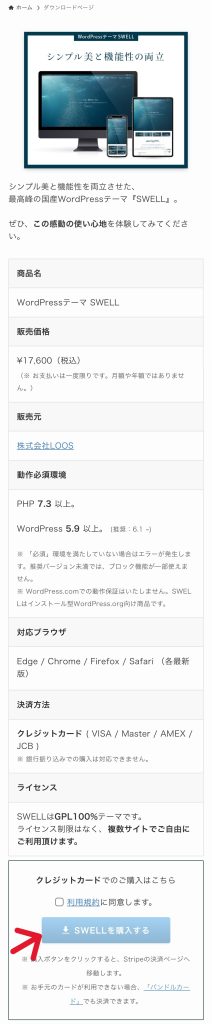
Agree to the Terms of Service, then tap “Purchase SWELL.”
Step 3 – Payment Method
- Credit cards supported (VISA / Master / AMEX / JCB)
- Payment handled securely by Stripe
👉 「Stripe is widely used worldwide and is safe」
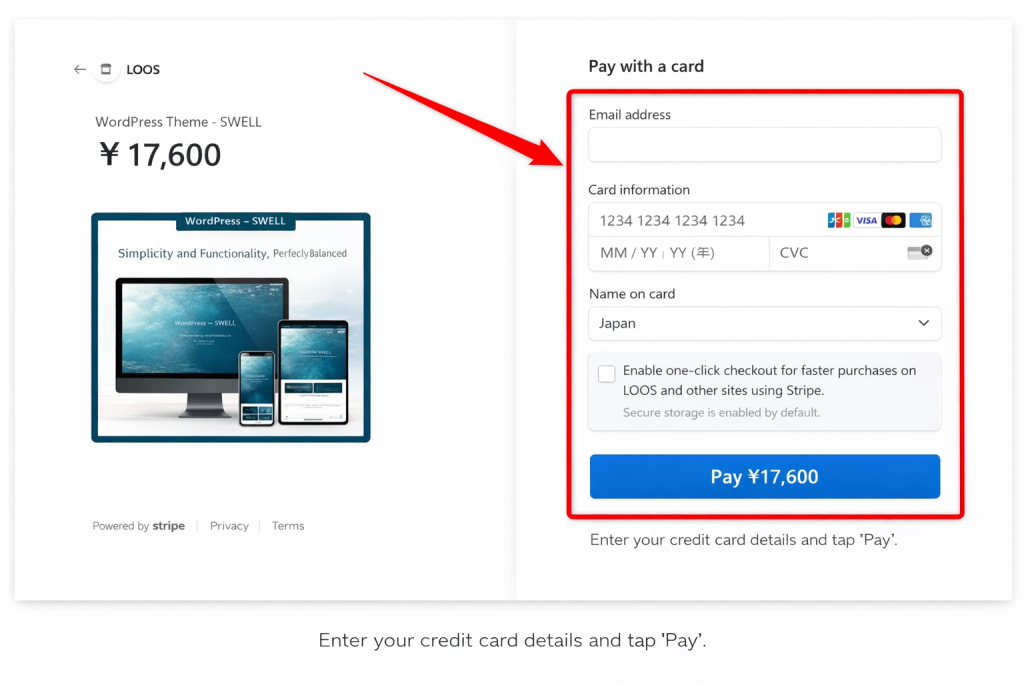
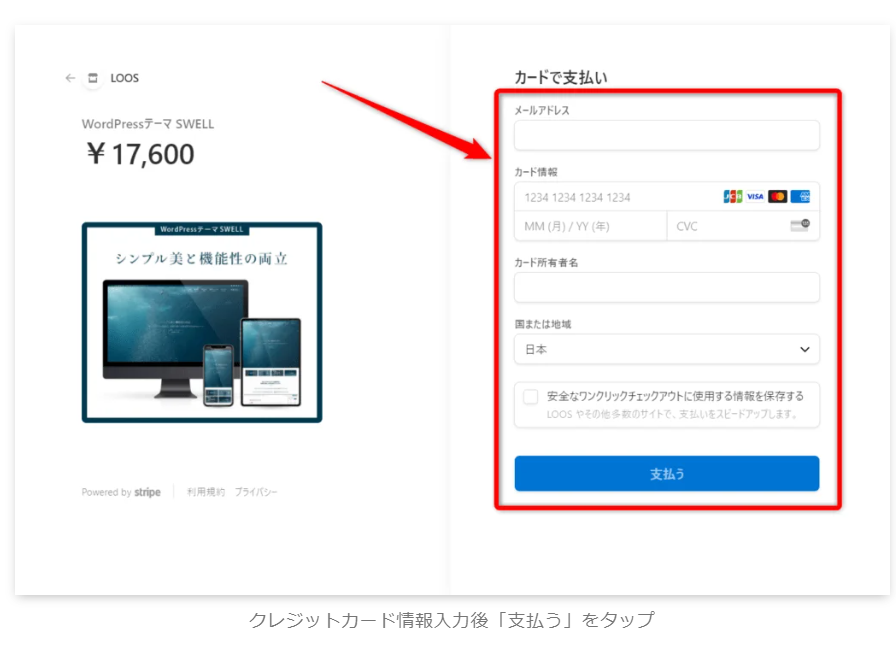
Enter your credit card details, then tap “Pay.”
Step 4 – Purchase completed
- Redirected to Stripe checkout
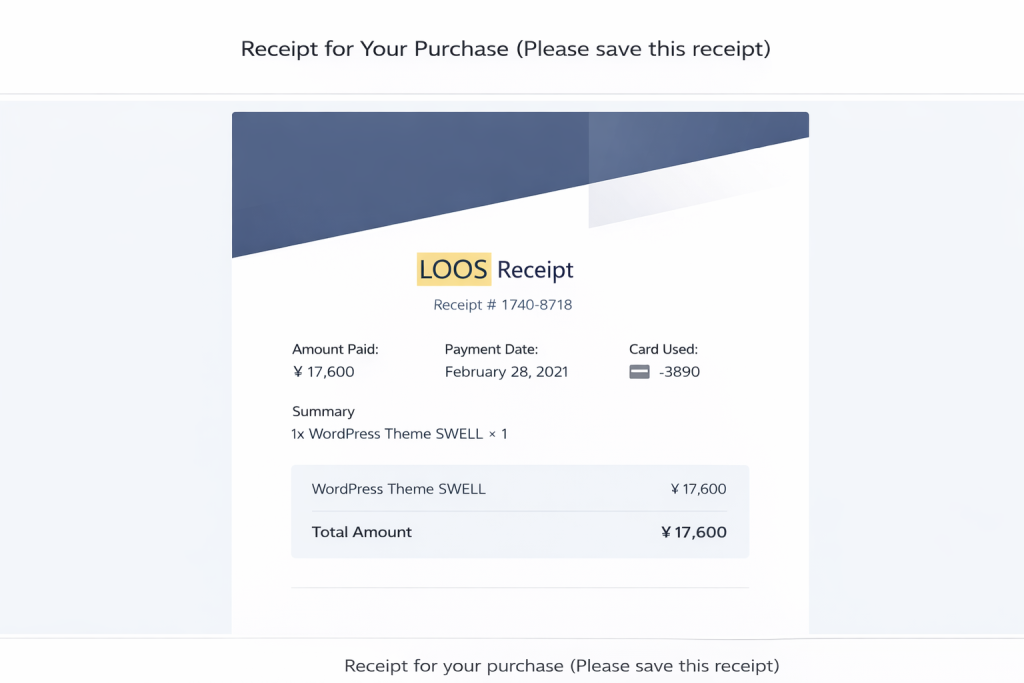
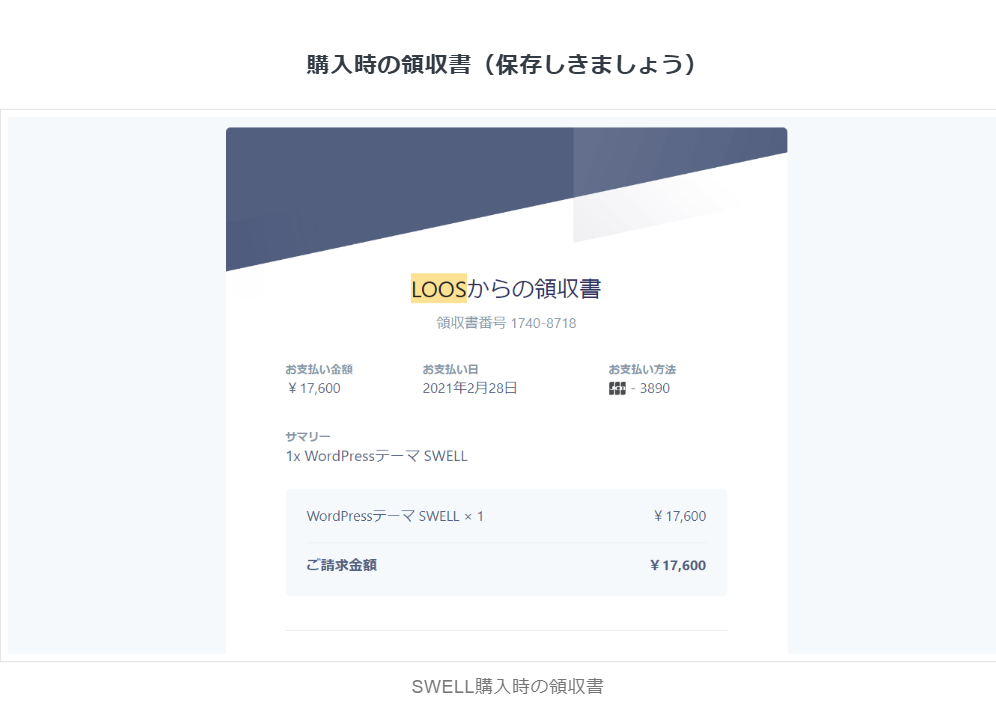
- You will receive a receipt by email.
- Save the receipt.
After Purchase – What Happens Next?
- Download theme files
- Install on WordPress
- License allows multiple sites
FAQ for International Users
- Can I use SWELL on multiple sites?
- Is English supported?
- Can I get a refund?
- Is this theme beginner-friendly?
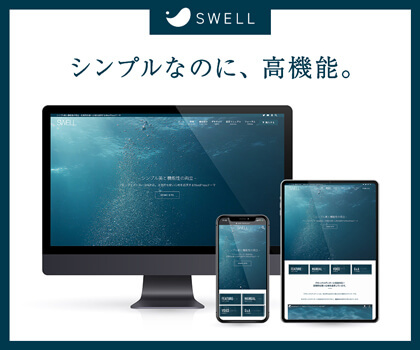
Click or tap the image to get SWELL from the official website.





コメント