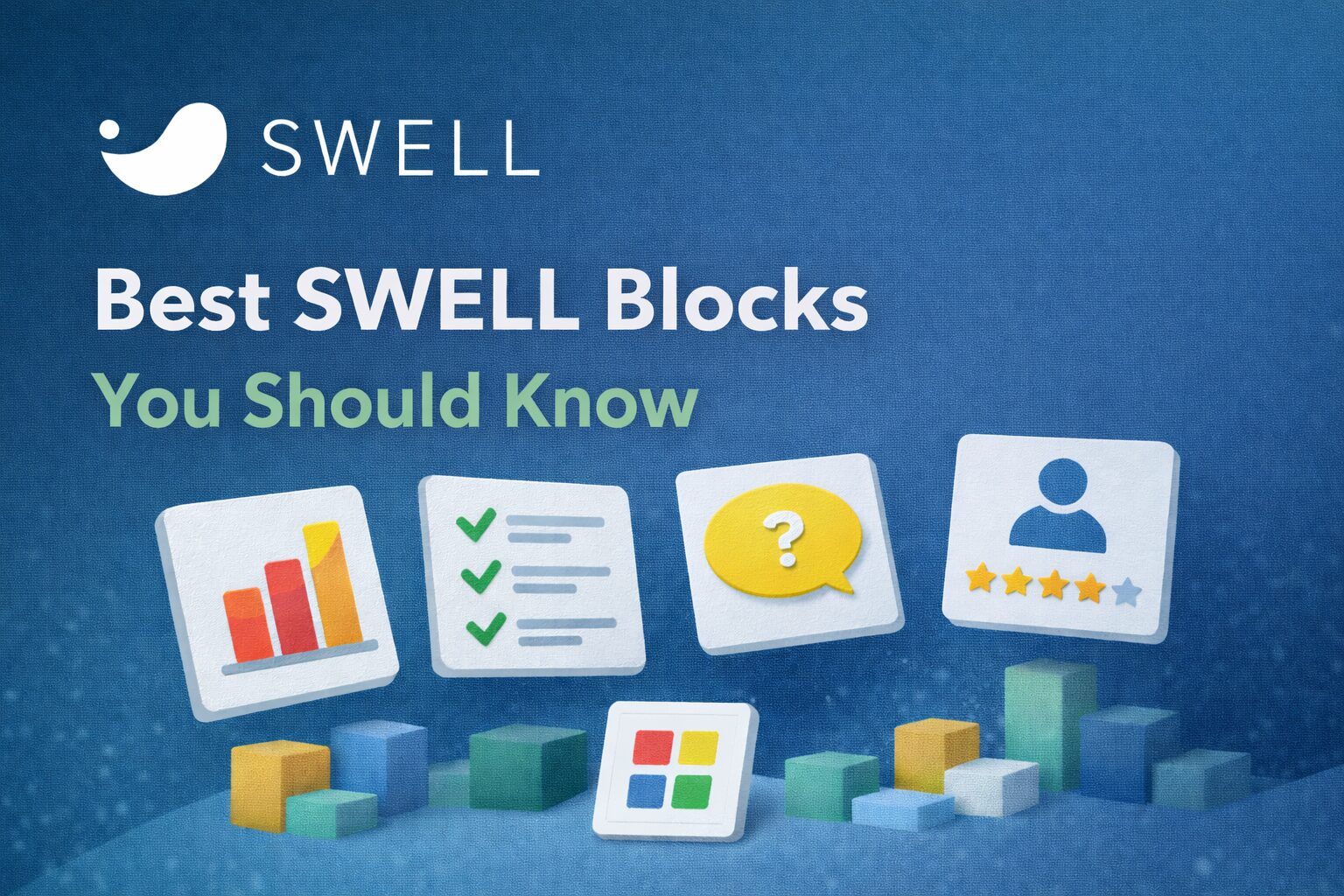
A showcase of SWELL’s powerful block features.
Introduction
One of the biggest strengths of the SWELL theme is its powerful and beautifully designed custom blocks.
SWELL extends the WordPress block editor (Gutenberg) and makes it easy to create professional layouts — without writing any code.
In this article, we’ll introduce the best SWELL blocks you should know, explain what they do, and show how they can improve your website design and usability.
🌟 Best SWELL Blocks You Should Know
A showcase of SWELL’s powerful block features.
Why SWELL Blocks Are Special
Unlike many themes that rely heavily on page builders, SWELL focuses on enhancing Gutenberg itself.
- Clean and lightweight
- Designed for real content (blogs & reviews)
- Easy to use, even for beginners
- Consistent and elegant design
- Perfect for SEO and readability
SWELL blocks feel like a natural extension of WordPress.
1. Call-to-Action (CTA) Block
The CTA block is one of the most powerful tools for:
- Affiliate links
- Product promotion
- Newsletter signups
- Important announcements
- Why it’s great:
-
- Visually stands out
- Customizable colors and layout
- Perfect for conversions
👉 Ideal for affiliate and review sites.
2. FAQ Block
The FAQ block allows you to create clean, expandable question-and-answer sections.
-
- Improves user experience
- Keeps pages clean and organized
- Great for long articles
- SEO-friendly (perfect for featured snippets)
This block is perfect for answering common questions about SWELL or WordPress.
3.Box / Highlight Block
SWELL’s box blocks help you highlight important information:
- Tips
- Warnings
- Notes
- Key takeaways
- Why it’s great:
-
- Easy to read
- Visually appealing
- Multiple styles available
Readers instantly notice important points.
4. Button Block
SWELL’s button block is more advanced than the default WordPress button.
- Features:
-
- Rounded or square styles
- Hover animations
- Icon support
- Multiple color options
- Best use cases:
-
- “Get SWELL Theme”
- “Read More”
- “Contact Me”
Buttons look professional and consistent across the site.
5. Step / Timeline Block
This block is perfect for tutorials and beginner guides.
- Why it’s great:
-
- Step-by-step visual structure
- Easy to follow
- Clean layout
- Example uses:
-
- How to install SWELL
- How to set up WordPress
- How to translate SWELL into English
6. Icon List Block
The icon list block improves readability and visual clarity.
- Why it’s great:
-
- Replaces boring bullet points
- Adds visual guidance
- Easy to scan
Perfect for feature lists and summaries.
7. Blog Card / Internal Link Block
SWELL’s blog card block makes internal linking beautiful and effective.
- Why it’s great:
-
- Automatically fetches post info
- Clean preview design
- Encourages readers to explore more content
Internal linking is critical for SEO, and SWELL makes it effortless.
8. Accordion (Toggle) Block
Similar to the FAQ block, accordion blocks allow you to hide and reveal content.
- Best for:
-
- Detailed explanations
- Advanced settings
- Optional information
This keeps long pages clean and user-friendly.
Who Should Use SWELL Blocks?
SWELL blocks are perfect for:
- Bloggers
- Affiliate marketers
- Review site creators
- Beginners who want professional design
- Users who prefer Gutenberg over page builders
If you want a clean, fast, and modern WordPress site, SWELL blocks are an excellent choice.
Final Thoughts
SWELL’s custom blocks make WordPress simpler, cleaner, and more powerful.
Instead of relying on heavy page builders, SWELL gives you everything you need directly inside the block editor — with beautiful Japanese design quality.
If you care about readability, speed, and elegant layouts, SWELL blocks will completely change how you build content.
Click or tap the image to get SWELL from the official website.


コメント